
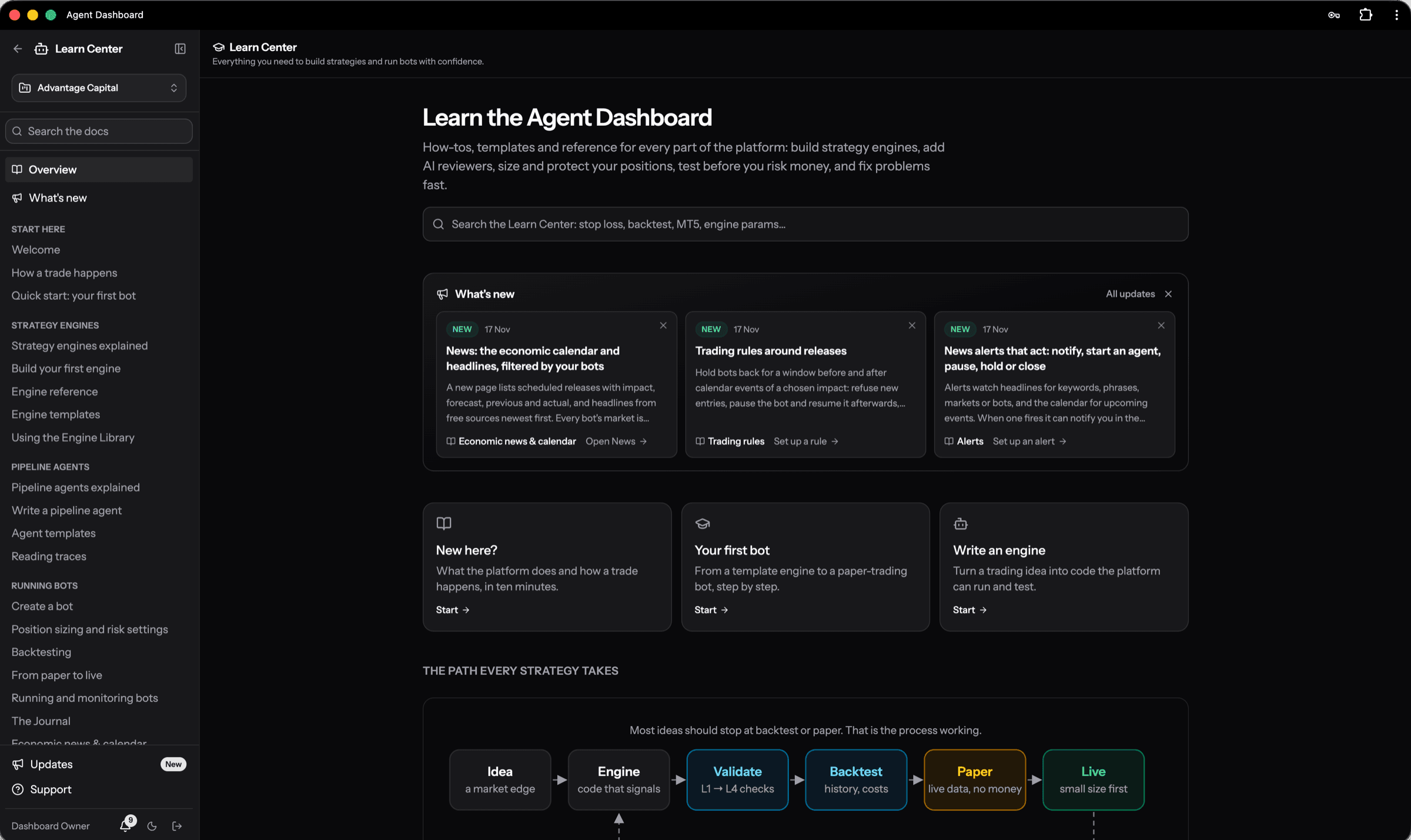
Every setting, every default, every error message, explained in plain words.
Guides, templates, reference and troubleshooting for every part of the platform, in the sidebar. The in-app assistant and MCP clients read the same articles, so their answers match the docs. What's new lists every update with highlight cards on the pages it affects.
Try it free for 7 daysDocumented in the Learn Center: welcome
Why it matters
You should never have to guess what a setting does or why a bot did not trade.
Start here, in ten minutes
Welcome, How a trade happens, Quick start. Then strategy engines, pipeline agents, running bots, markets and accounts, the AI workspace, connecting AI tools, the trading playbook and help.
Templates you can copy
Three engines and three agents, each with a copy button, each passing validation. A full engine reference and agent file format.
Troubleshooting that names the fix
Every skip reason, veto, order rejection, MT5 rejection code and account status, with what to do about it. A six-step my-bot-is-not-trading checklist.
What's new, where it matters
A changelog with New, Improved, Changed and Fixed badges, filterable by area, with cards on Overview, bot settings, backtests, MT5 and the Engine Library that you dismiss once read.
How it works
Step by step
- 01
Search
Results open at the right heading. Code examples have syntax highlighting and line numbers.
- 02
Ask the assistant
It reads the same articles. Why hasn't my bot traded in the last day?
- 03
Support
A Support button at the bottom of the sidebar, from any page.
In numbers
What the product actually does
- 29
- Articles in nine sections, plus What's new
- 38
- Changelog entries across eight releases since late October
- 6
- Ready-to-copy templates: three engines, three agents
- 20+
- MT5 rejection codes explained
Works with
Related features
- 14MCP connectorThe MCP connector turns your dashboard into a tool that AI assistants can use. Claude can list your bots, read trades and traces, write and validate engines, run backtests and, if you allow it, change settings, from a normal conversation. Tokens are read-only by default, named per tool, revocable at any time, and act as you.
- 01Studio and ChatA built-in assistant that knows the platform and can act on it. It reads your bots, trades and traces, writes and validates engines, runs backtests, tunes settings and explains results. Risky actions wait for your approval.
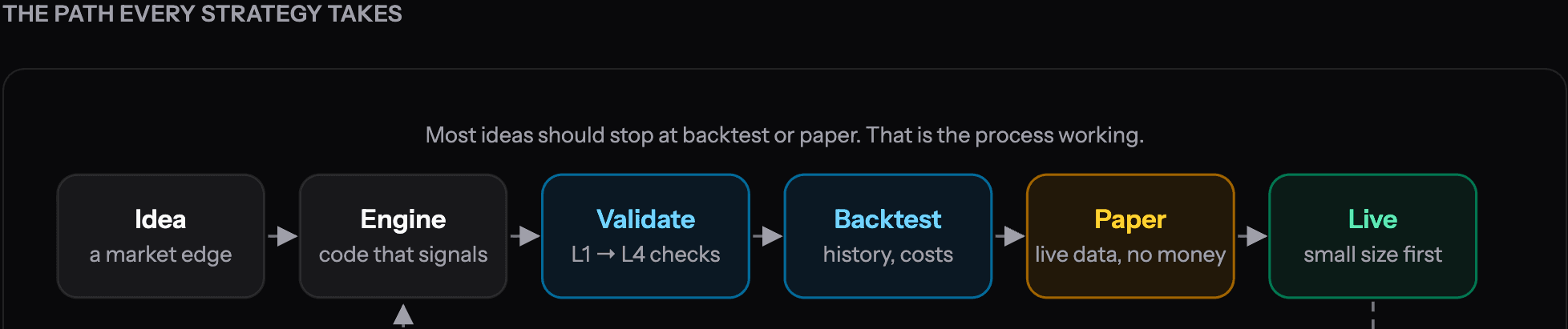
- 02Strategy enginesA strategy engine is your trading idea written as a small JavaScript or TypeScript program. It reads candles and emits a signal: open long, open short, close. The platform does the sizing, the orders and the venue. Test the same engine in a backtest, on paper and live without changing a line.
Your next idea deserves a test, not a hope.
Deploy your Agent Dashboard, start from a template engine, and have a paper bot running in about fifteen minutes. 7 days free, on every plan.
Command Palette
Search for a command to run...