
The assistant you already use can run your dashboard.
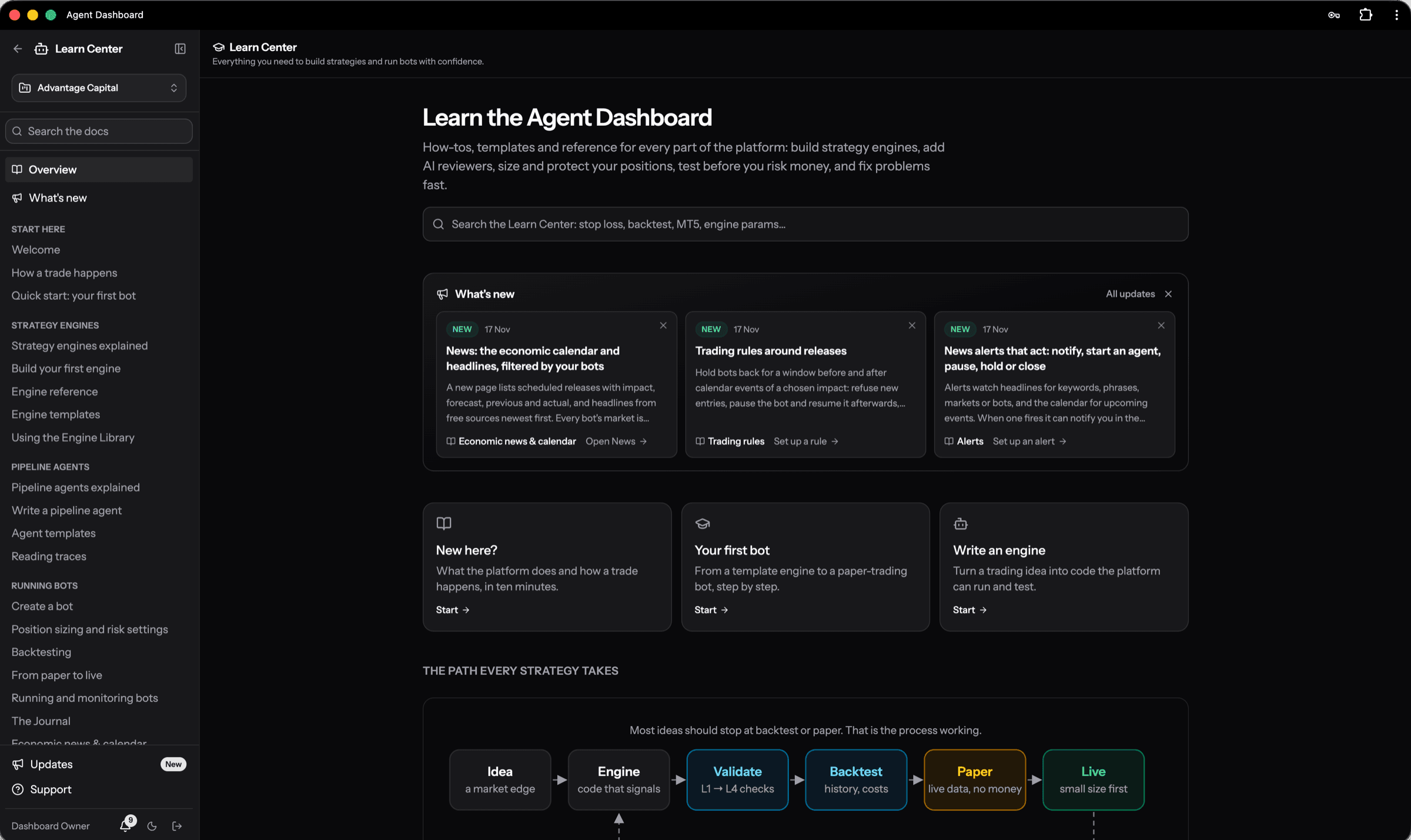
The MCP connector turns your dashboard into a tool that AI assistants can use. Claude can list your bots, read trades and traces, write and validate engines, run backtests and, if you allow it, change settings, from a normal conversation. Tokens are read-only by default, named per tool, revocable at any time, and act as you.
Try it free for 7 daysDocumented in the Learn Center: mcp
Why it matters
Bring your own AI. Keep your own permissions.
Tools, resources, prompts
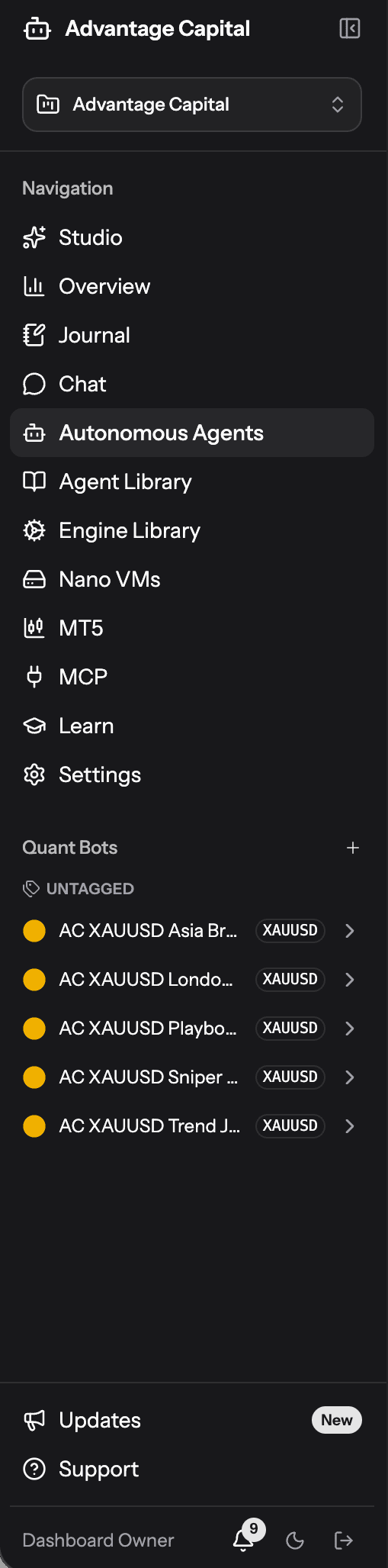
Tools list bots, read trades and traces, start or pause a bot, run a backtest, create and validate an engine, edit an agent, search the Learn Center. Resources expose every Learn article and the engine and agent contracts. Prompts: learn the platform, author an engine, author an agent, diagnose a bot.
Tokens you control
Named per tool, Read-only ticked by default, shown once, expiring after 90 days. The Active tokens list shows name, expiry and last use; the trash icon revokes immediately. A token can never create other tokens.
Your permissions, not more
Tokens act as you. An assistant can never do more than your own account is allowed to. Tell yours to confirm before starting bots, placing orders or changing risk.
How it works
Step by step
- 01
Claude
Settings → Connectors → Add custom connector, with a Bearer token.
- 02
Claude Code
One command adds the dashboard as an HTTP MCP server.
- 03
Cursor, Windsurf, VS Code and others
A short JSON config.
- 04
Ask
Summarise how my bots did this week. Why hasn't eurusd-ema traded since yesterday, don't change anything. Read the article on position sizing and suggest risk settings for a $2,000 account.
In numbers
What the product actually does
- 90 days
- Token lifetime
- Read-only
- Default for every new token
- 4
- Prompts: learn-platform, author-engine, author-agent, diagnose-instance
- 29
- Learn Center articles exposed as resources
Plainly
What it will not do
- —MetaTrader 5 account management and Nano VMs are not available over MCP.
- —The MCP page is for the dashboard owner and members granted Settings access.
Works with
Related features
- 01Studio and ChatA built-in assistant that knows the platform and can act on it. It reads your bots, trades and traces, writes and validates engines, runs backtests, tunes settings and explains results. Risky actions wait for your approval.
- 15Learn Center and What's newGuides, templates, reference and troubleshooting for every part of the platform, in the sidebar. The in-app assistant and MCP clients read the same articles, so their answers match the docs. What's new lists every update with highlight cards on the pages it affects.
- 10Autonomous agentsAutonomous agents are AI members of your dashboard team. They take on work: a task you assign, or recurring work on a schedule. A daily review that compares yesterday's trades with the backtest. Hourly checks for failed trades and accounts needing attention. Research across five markets. Spending is capped by default and high-risk actions always wait for a human.
Your next idea deserves a test, not a hope.
Deploy your Agent Dashboard, start from a template engine, and have a paper bot running in about fifteen minutes. 7 days free, on every plan.
Command Palette
Search for a command to run...