
Your broker's MT5 account, traded around the clock, with MT5 closed on your computer.
Connect a MetaTrader 5 account from any broker with a login, server and trading password. Bots trade it around the clock; you do not need MT5 open. Whatever your broker lists, from forex, metals and indices to Deriv's synthetic indices, the dashboard can trade. Stops live at the broker. Closes made at the broker are booked within about a minute.
Try it free for 7 daysDocumented in the Learn Center: mt5
Why it matters
The platform your broker, and most prop firms, already run.
Trading off until you say so
New accounts start with trading off. Live accounts need the acknowledgement that automated trading can lose real money. Pause new trades blocks entries but lets bots close. Your password is used once to sign in and never stored, logged or shown.
Three ways to size in lots
Max order size as a percentage, converted to lots and rounded to the symbol's step. Fixed lots. Or Risk per trade, which opens the lots whose stop loses a set share of the account. The wizard shows the symbol's minimum, maximum, lot step and contract size, and warns below the broker's minimum.
Broker-side protection
Every entry carries its stop loss and take profit at the broker, so they protect the position even when the bot is paused. Engines can trail them or move them to breakeven, and the broker's stop moves too.
Your symbol names
When a market name does not exist on your server, the platform tries the common broker variations, EURUSDm, EURUSD.a, EURUSD.pro, Deriv's .0 suffix, and uses the one your server knows.
How it works
Step by step
- 01
Connect
MT5 → Connect account. Broker label, server exactly as MT5 shows it, login, trading password. Demo or live. Nine setup steps with a progress bar, usually a few minutes; you can leave the page.
- 02
Pay from credits
By default $100 per account every 30 days, paid from the dashboard's credit balance and renewed a day before expiry. The connect dialog shows the price and your balance before you confirm.
- 03
Allow trading and link a bot
Switch Allow trading on. In the bot wizard choose MetaTrader 5, pick a market from the On this account list, and set lot sizing. For Deriv MT5 accounts the wizard lists all 55 synthetic indices.
- 04
Watch the account
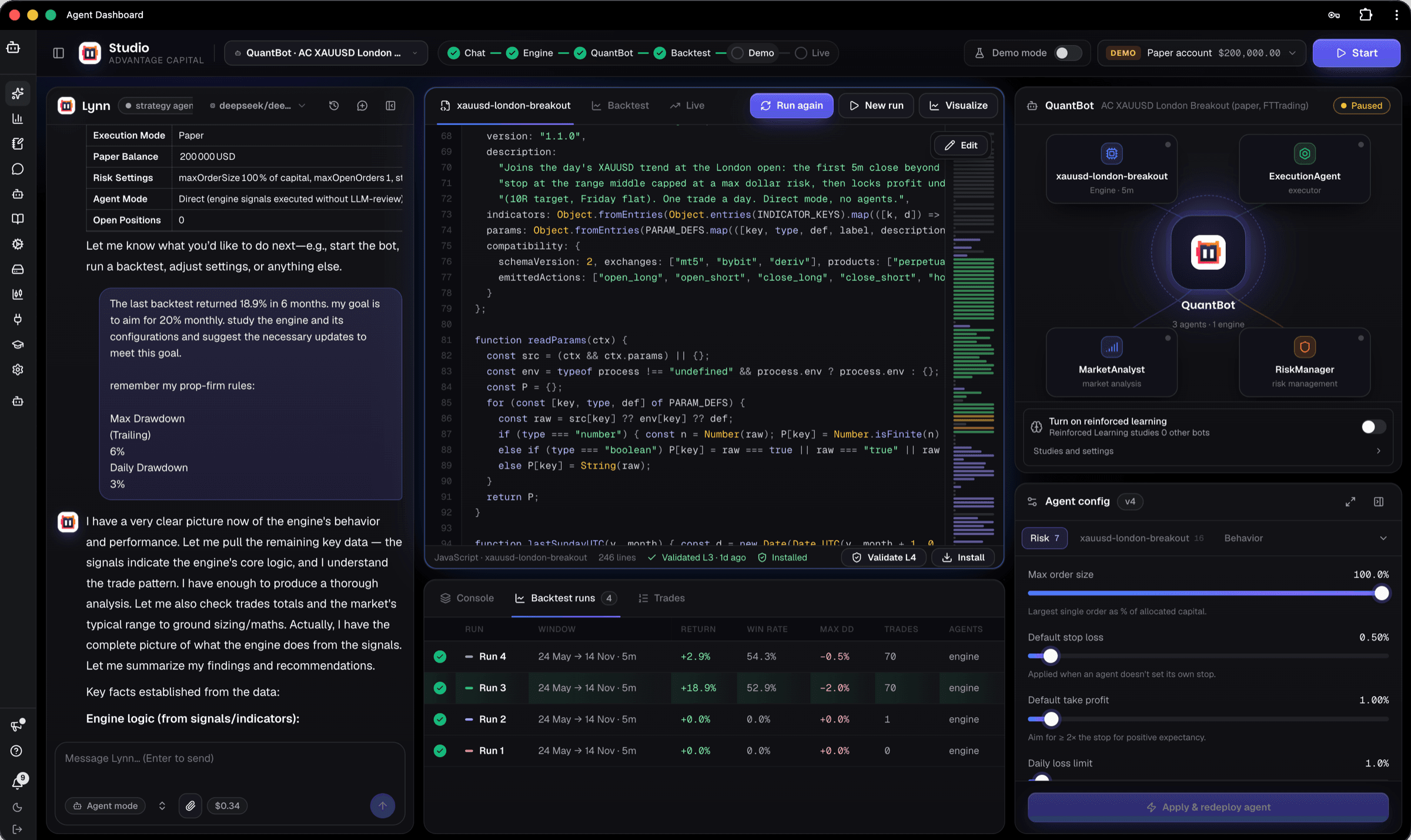
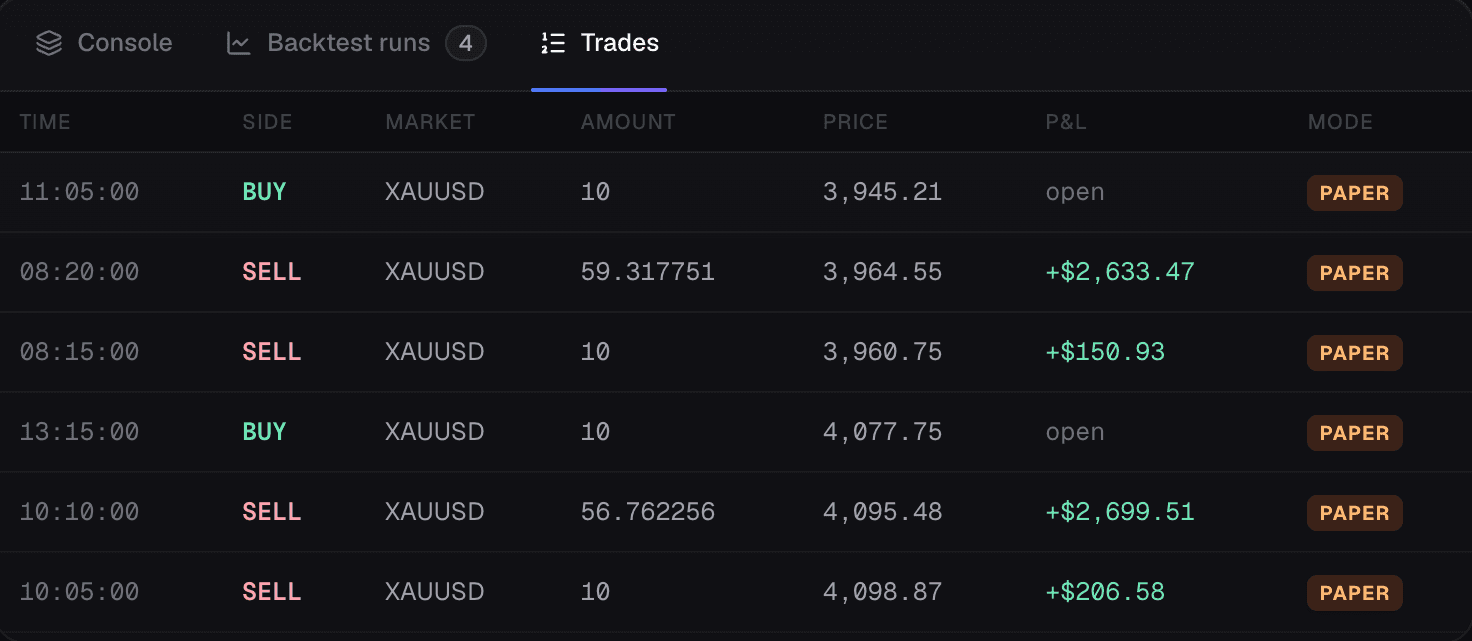
A health card for terminal, broker, prices and trading. Balance, equity, free margin and leverage. Every open position, including ones not opened by a bot. Backtests use your broker's own history.
In numbers
What the product actually does
- Any
- Broker with MetaTrader 5 accounts
- 55
- Deriv synthetic indices listed for Deriv MT5 accounts
- $100
- Per account per 30 days by default, from credits
- 7
- Intervals: 1m, 5m, 15m, 30m, 1h, 4h, 1d
- 0.1%
- Entries within this of the market are sent as market orders, so they fill
- 10 s
- Signal lifetime: an order not picked up in time is dropped, never filled late
Plainly
What it will not do
- —An investor password connects but cannot trade. Use the MT5 trading password, not your broker website password.
- —Removing an account does not close its positions. Forex and metals close at weekends, so prices show as delayed; synthetic indices trade around the clock.
- —Some brokers and accounts disallow automated trading; the platform reports that as expert trading disabled. Check your broker's and your prop firm's rules on automation and hosted terminals.
Works with
Related features
- 05Position sizing and risk guardsSixteen documented risk settings with defaults, a hard risk budget that stops a bot for good, daily loss limits, cooldowns, a fat-finger guard, and on MT5 sizing from the loss at your stop. Every blocked entry is explained in the trace, with the setting to change.
- 09Quant BotsA Quant Bot runs one or more engines on one market at one candle interval, with its own capital, risk settings, agents and history. Start, pause and stop with a click. Trade by hand through the same guards. Edit stops on open positions. Every settings change saves a snapshot first.
- 03BacktestingReplay historical candles through your bot's engines, and optionally its AI agents, with realistic fees and slippage. Compare up to six runs on one chart, then restore the exact settings of the best one with a click.
Your next idea deserves a test, not a hope.
Deploy your Agent Dashboard, start from a template engine, and have a paper bot running in about fifteen minutes. 7 days free, on every plan.
Command Palette
Search for a command to run...